Design Software Review 2019
CAD programs range from consumer-focused packages like those in our lineup to professional applications like AutoCAD. Consumer-oriented CAD software, while offering many of the same functionalities as professional applications, does not require the same steep learning curve and expensive licensing.
See also: List of useful/important software for mechanical engineers
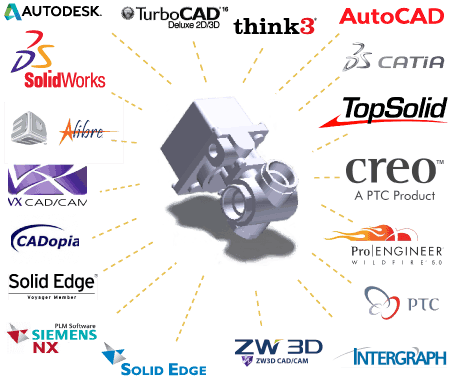 best mechanical design software
Best Design Software 2019
1) SolidWorks Premium
2) CATIA
3) PTC Creo Parametric
4) AutoCAD LT
AutoCAD LT is very efficient within its capabilities. This 2D-only software allows the user to produce construction drawings without all the features (and complications) of using 3D modeling software. AutoCAD LT retains all the tools and features of regular AutoCAD that are relevant and essential for 2D drawings. Recent updates allow users to customize command-line searches and autocorrect options. AutoDesk 360 is also an option for communicating files online with your coworkers or design teams.
5) Inventor
- Inventor is very stable and rarely crashes in a team/network environment.
- Inventor handles large assemblies (thousands of components) well.
- The insert assembly constraint (axis/face pair) is very useful for assemblies with holes and more stable than a similar mate combination with Solidworks.
- Fastener placement is in some ways easier than Solidworks and less likely to flip the assembly when it doesn't work.
- I tend to define things and think a little more before I start modeling with Inventor.
- Works well with AutoCAD
6) Solid Edge:
Very powerful industrial machine design modeling tool. Solid Edge features incredible technology that empowers the engineer to put concepts into a virtual assembly that is easily transmitted to field drawings, automatically generates bills of materials, and is easily modified. It closes the gap between ideas and manufacturing.